The journey · AIOS
Your path to becoming AI Native starts today.
Choose the enterprise, knowledge worker, or builder path. Each gives you a starting point, practical steps, and a route to becoming AI-native.
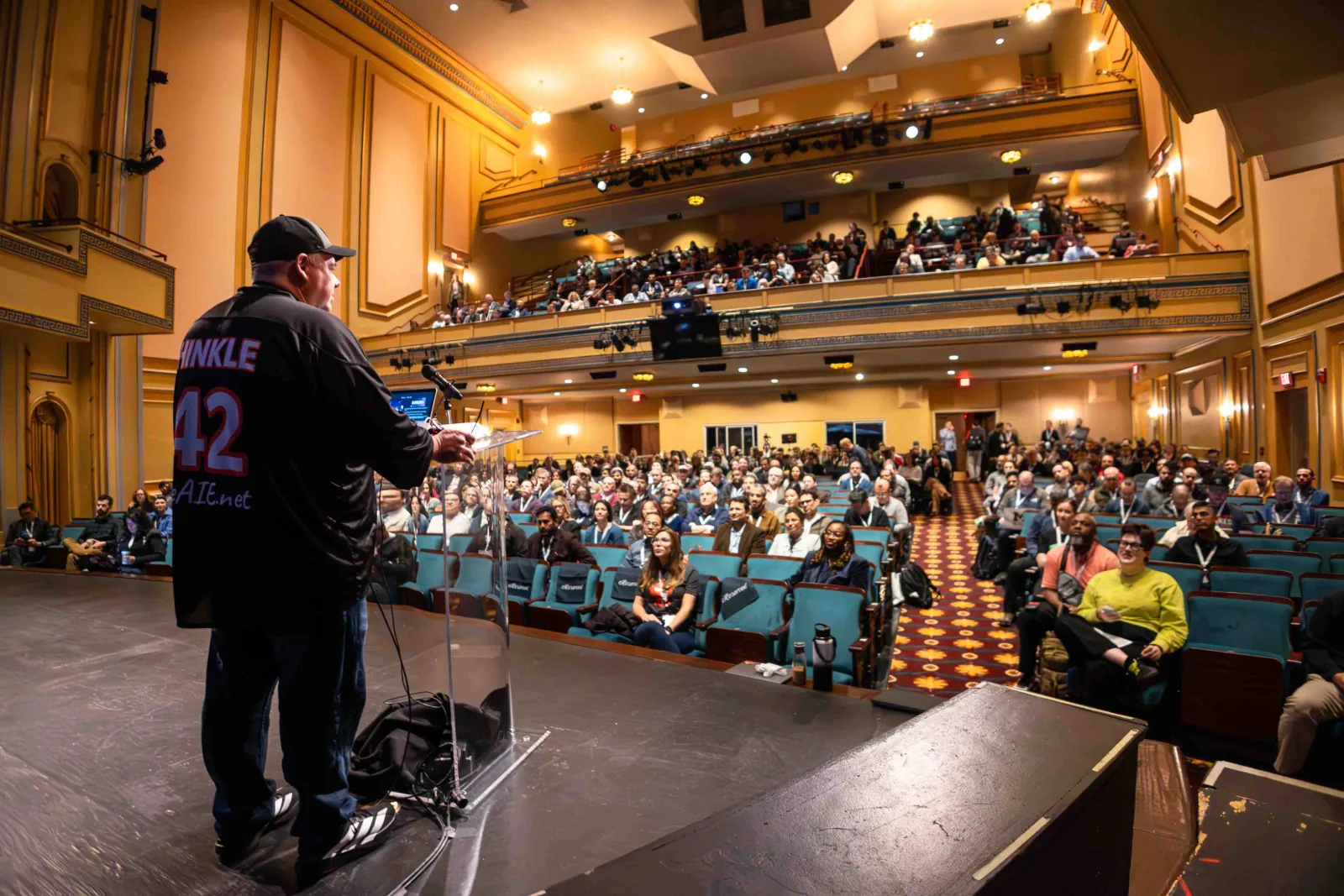

From the stage to the room · Carolina Theatre · All Things Open AI 2025 · AIOS journey map Photo context ↗
Choose your starting point
Choose the path that fits your work.
You can enter at any waypoint.
Select a stop to explore it.
Builder route
Connect the tools, set permissions, and test the result.
Select a stop for examples and next steps.
B2-AChapter 29
Connect Assistants and Tools Safely
Connect assistants and tools with access that matches the task.
What this means
An assistant becomes more capable when it can use tools, and those connections create real authority. Choose the model and tools needed for the approved task. Give each connection limited credentials, identify its read and write capabilities, and verify that permission can be revoked. A working connection doesn't grant permission for every action it exposes.
Put it to work
- Document the model, connected tools, and permitted reads and writes.
- Test an allowed operation and a forbidden action on safe fixtures.
- Verify credential scope and revocation, and save the results.
You’re ready to move on when
The exact configured connection performs its allowed task, refuses the prohibited action, and has a tested way for the owner to revoke its access.
Locate, act, prove, and choose your next move
- Locate
List each tool, credential, data flow, and allowed action.
- Act
Use scoped identities and explicit approval points.
- Prove
Show an action log and test an unauthorized request.
- Route
Remove or narrow a connector that crosses the boundary.
What you’re working toward
A tested workflow with limited access, recorded costs, a way to undo changes, and someone responsible for approval.
Examples and worksheets
Use the book
as you try each step.
Get the examples, worksheets, and guidance behind every waypoint.